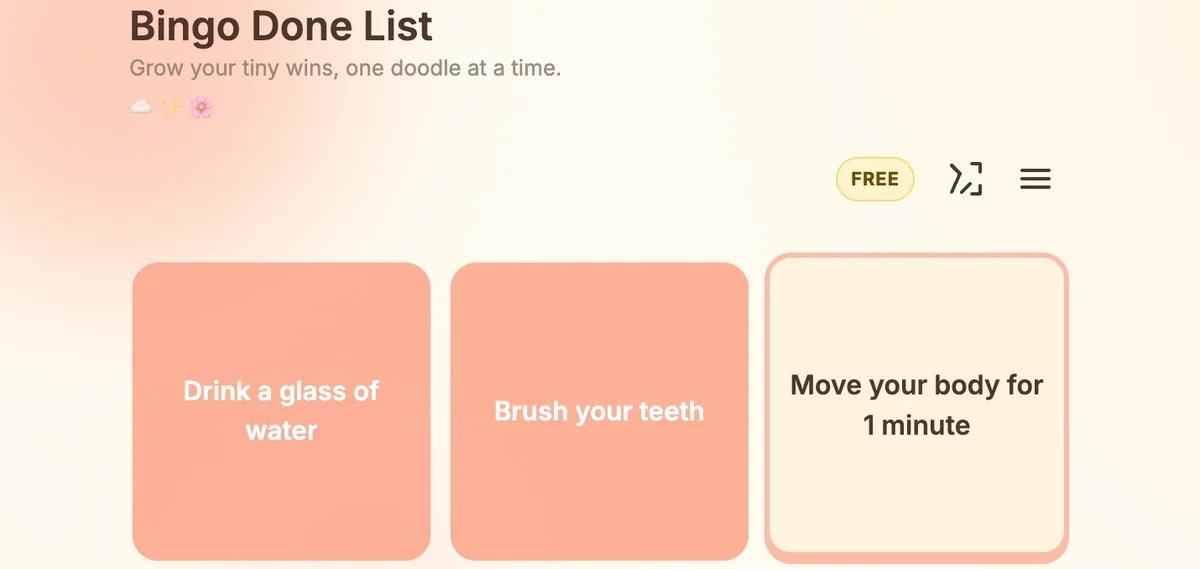
Some days the to-do list feels heavier than the day itself. A bingo-style board is one of the smallest format changes that can make starting feel possible again — you stop staring at a tall column of obligations and start eyeing a small grid of tiny, doable squares.
This post is a gentle introduction to task bingo and how Bingo Done List approaches it. There is no productivity hustle here: a friendly nudge is the whole offer[1].
Why a grid feels lighter than a list
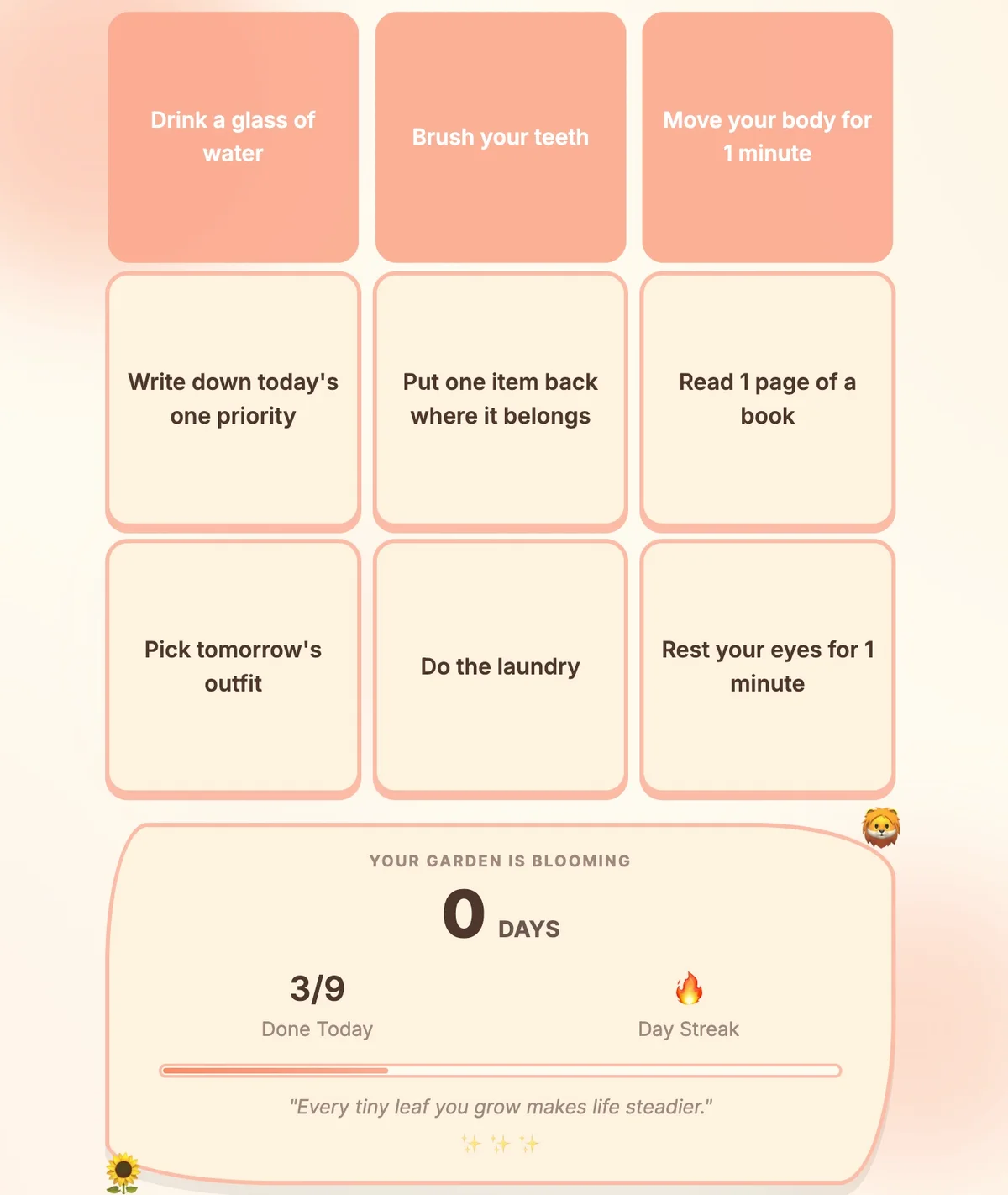
A vertical list has an implicit "you must finish this" energy. A 3×3 grid does not. Each cell is small, each cell is optional, and clearing any line — row, column, or diagonal — counts as a win. That alone changes the emotional shape of the day.
Helpful traits of the grid format:
- Every square looks the same size, so brushing teeth and writing a report carry the same visual weight on the board.
- Lines feel achievable. Three small things is a row.
- The board resets, so yesterday does not haunt today.
How to set up your first board
You don't need anything special — open Bingo Done List and tap Shuffle Board for a fresh random layout, or use Create Custom Board to write your own three-by-three. A workable first board has:
- Two tiny "warm-up" tasks (a sip of water, opening one window).
- Three small chores you keep dodging.
- Two pleasant things you would do anyway.
- Two slightly stretchier tasks.
That mix keeps the board from feeling like punishment. Most cells should be things you can finish in under five minutes.
Working through a row without pressure
There is no timer. The board does not punish you. If you complete a row mid-morning, that is a row of momentum already in the bank — anything else today is bonus. The next day starts with a fresh random board, and completed checks do not carry over.
A few habits that pair well with task bingo:
- Start with the smallest cell. Picking the easiest one breaks inertia.
- Edit cells freely. A task you cannot start is a task that was written wrong; rewrite it smaller.
- Stop after a line. A completed row is permission to take a real break.
FAQ
Is this a substitute for professional support?
No. Bingo Done List is a productivity tool, not a medical product — it is not medical advice, diagnosis support, or a substitute for professional help. It is a small board for small wins.
How big should my board be?
Three by three is the default and almost always enough. Pro includes larger board sizes (4×4, 5×5, and 6×6), but the magic of task bingo is the smallness of the grid, not its size.
Where can I see more guides?
The Bingo Done List blog collects routines, gentle frameworks, and tiny-task ideas. Start there and pick the post that matches today's energy.